
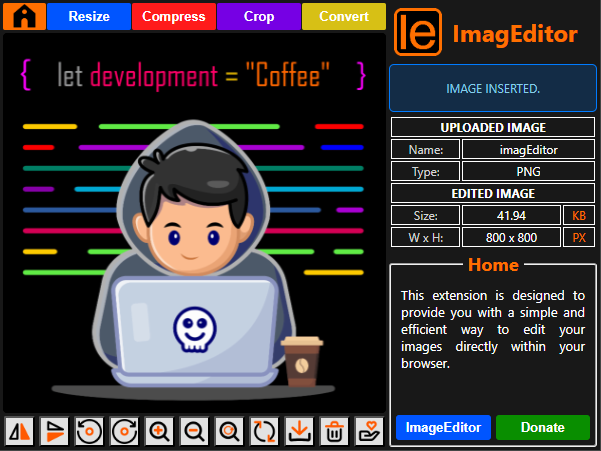
ImageEditor – Edit Images Directly in Your Browser
ImageEditor is a lightweight, privacy-first Chrome extension that lets you resize, compress, crop, rotate, flip, and download images without uploading them to any server.
✨ Features & Use Cases
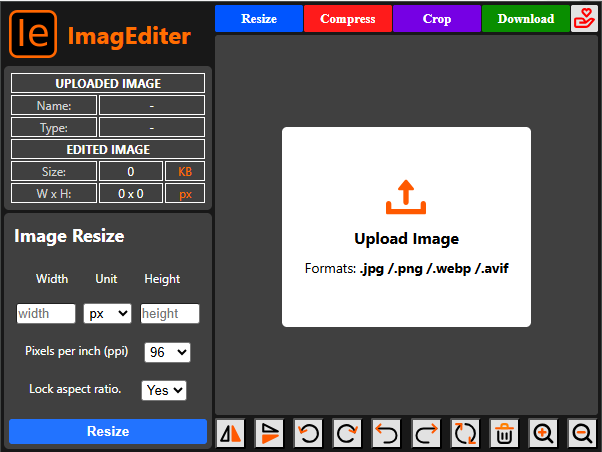
Resize Image
- Adjust width or height manually
- Optionally lock aspect ratio
- Instant preview before download
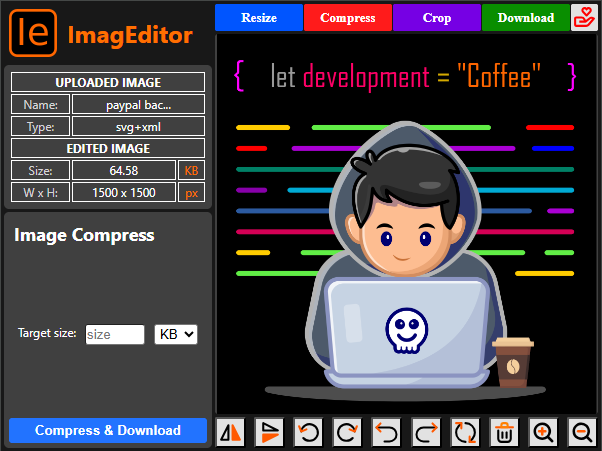
Compress Image
- Reduce file size efficiently
- Maintain visual quality
- Perfect for web uploads and sharing
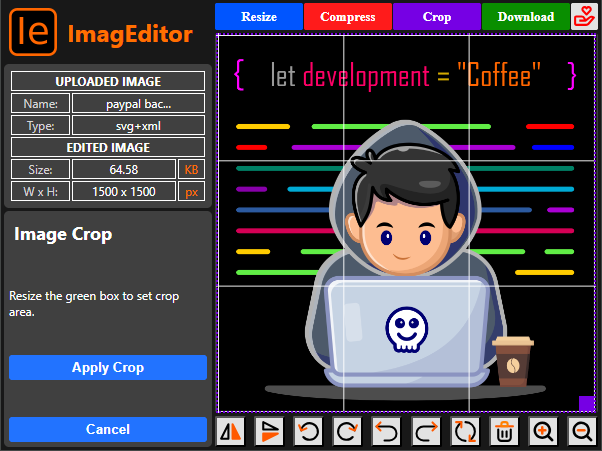
Crop Image
- Select a custom crop area
- Move and resize the crop box
- Apply crop with live preview
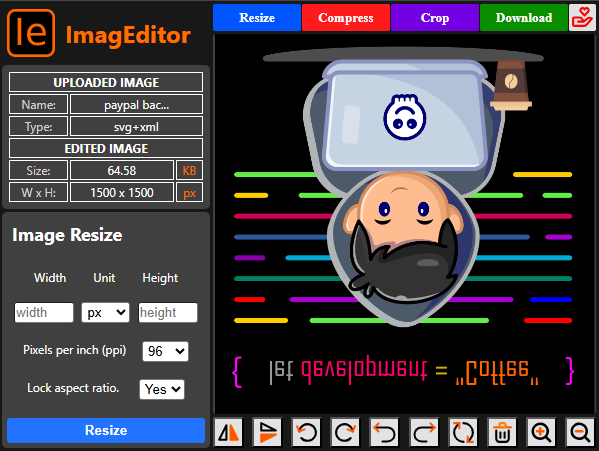
Flip & Rotate
- Rotate images clockwise or anticlockwise
- Flip horizontally or vertically
- Combine with other edits seamlessly
Compress & Download
- Compress and download in one step
- Download images in JPG, PNG, AVIF, or WebP
- No SVG export supported
⚙️ How It Works
ImageEditor processes images entirely within your browser using HTML Canvas and Web Workers. This ensures fast performance while keeping your images private.
- Images never leave your device
- Heavy processing runs off the main UI thread
- No servers, no cloud processing
💬 Feedback
Have suggestions or found an issue? Leave feedback on the Chrome Web Store
Privacy Policy
Last updated: January 2026
ImageEditor is built with a strict privacy-first approach. We do not collect, track, or transmit any user data.
Data Collection
- No personal data is collected
- No analytics, tracking, or cookies
- No background monitoring
Image Processing
- All image edits are performed locally
- Images are never uploaded to any server
- No image data is stored or shared
Permissions
ImageEditor only requests permissions strictly required to enable image editing on webpages.
Third-Party Services
ImageEditor does not use advertising, analytics, or third-party tracking services.
Contact
For privacy-related questions, please contact the developer through the Chrome Web Store listing.
Support ImageEditor ❤️
ImageEditor is independently developed and maintained. If you find it useful, you can support future development.
Donate via PayPalDonations are optional and do not unlock paid features.